
Franklin County Court Records After a Jail Arrest
An arrest does not create a court case on its own. After a Franklin County arrest, the path runs in steps. First comes the arrest and booking at the jail. Next is a first appearance before a judge. Then the State Attorney reviews the case and files formal charges. That filing opens the court case, and the court record begins. From that point, the case is tracked in the court docket, not the arrest log.
The booking side and the court side are two different things. Booking charges are what the arresting officer listed at intake. They live on the sheriff's arrest log. For the roster and custody side, see the jail inmate records page, and for booking photos see the jail roster mugshots page. The court record is something else. It holds the charges the prosecutor actually filed, the docket, and the disposition. Those filed charges can differ from the arrest charges, so the court record is the better place to learn what a case really became.
How to Find Franklin County Court Records After an Arrest
Court records after an arrest are searched through the Franklin County clerk's online court system. The portal is run on the CiviTek platform and is shared by Florida clerks. You reach the case index, search by name, and open the case to read the filed charges and their status. The arrest log will not show case numbers or court dates. Those live in the court record. Start with the case-search portal below.
The lead-in link goes to the official Franklin County court case-search portal, where the public access option opens the search page. Open the Franklin County OCRS court case-search portal to begin a public lookup of court records after an arrest.
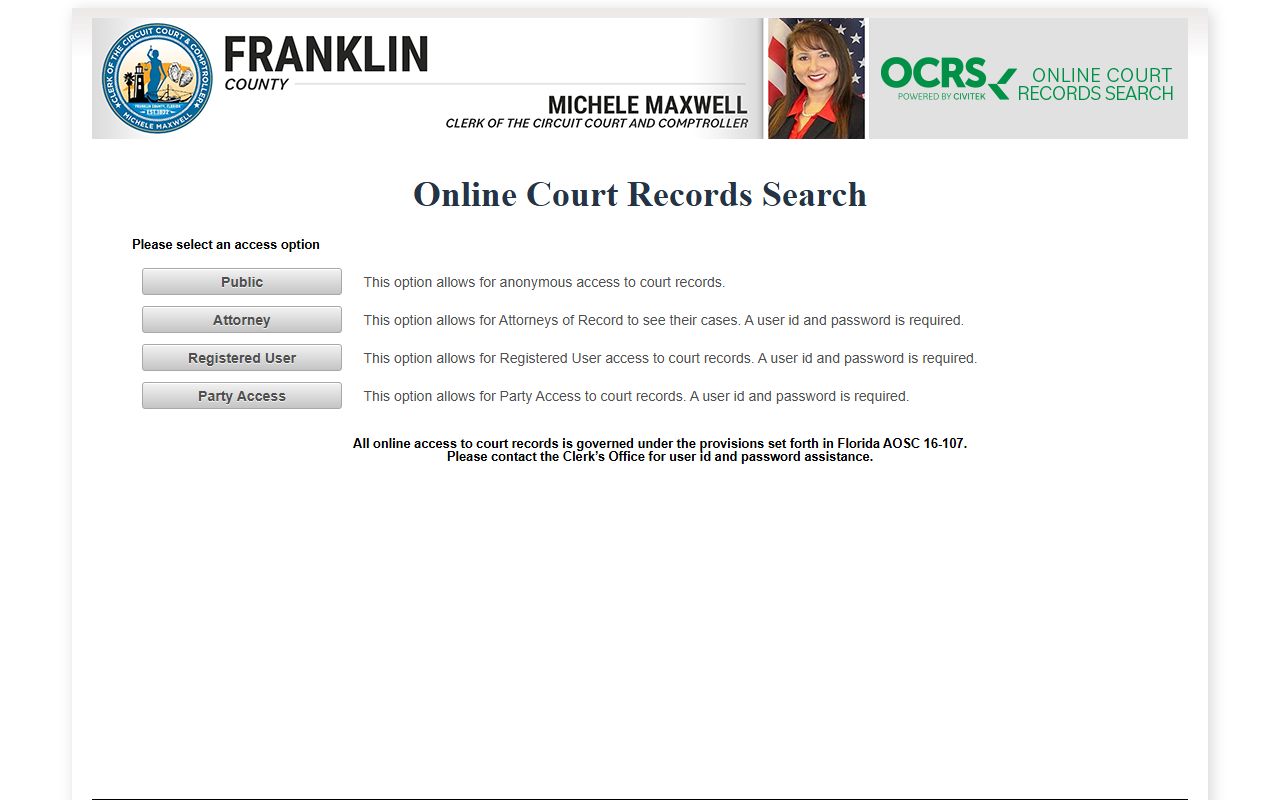
The first screen asks how you want to access court records. Pick Public for an anonymous search. The other options need a login. The search field layout you reach after the disclaimer is shown below.
| Field or Control | Type | Required | Notes |
|---|---|---|---|
| Access option | Button | Yes | Public (anonymous), Attorney, Registered User, or Party Access. Only Public is login-free. |
| "I Agree" disclaimer | Button | Yes | Must be accepted before the search page loads. |
| Person Search | Tab | Optional | Default tab for searching by a person's name. |
| Last Name | Text | Yes | Required for a person search unless a business name is used. |
| First Name / MI | Text | No | Helps narrow common last names. |
| Business Name | Text | No | Used in place of a last name for a business party. |
| Date Case Filed From | Date | No | MM/DD/YYYY start of a filing-date range. |
| Date Case Filed To | Date | No | MM/DD/YYYY end of a filing-date range. |
| SSN | Text | No | Masked input; public use may be limited. |
| Date of Birth | Date | No | MM/DD/YYYY; helps confirm identity. |
| Court Type | Checkboxes | No | Pick one or more case types, such as Felony or Misdemeanor. |
| Cloudflare Turnstile | Challenge widget | Yes | Loads before the search runs; search by hand in a browser. |
| Search | Button | Yes | Runs the lookup. |
| Reset | Button | No | Clears the form fields. |
Note: The court portal warns of a 20-minute idle timeout, so finish a search before stepping away.
How Charges Get Filed After an Arrest
Booking happens at the jail first. The court charge record begins later, when a charging document is filed. The State Attorney for the Second Judicial Circuit reviews the case and chooses the document. There are three main kinds. Each one opens a court case, but the path differs by how serious the offense is.
| Document | Filed By | Plain Meaning |
|---|---|---|
| Complaint | Officer or prosecutor | A sworn or initiating document used at early stages or for lower-level matters. |
| Information | State Attorney | The formal charging paper the prosecutor files for many felonies and misdemeanors. |
| Indictment | Grand jury | A grand-jury charging document used for certain serious offenses. |
The prosecutor can also amend an information, add or drop counts, or file no charges at all. So the court record may not match the arrest log charge for charge.
Charge Status and What It Means
Charges move and change as a case runs. A charge may be filed, then amended, then resolved. The booking charge on the jail arrest log can read differently from the charge the prosecutor finally files. The court record shows each charge's current status. These are common status terms and their plain meaning.
| Status | What It Means |
|---|---|
| Filed | The prosecutor has formally charged the count in court. |
| Amended | The charge was changed, often reduced or reworded from the original. |
| Nolle prosequi | The prosecutor chose not to pursue the charge. |
| Dismissed | The court ended the charge without a conviction. |
| Adjudication withheld | The court held back a formal conviction despite a plea or finding. |
| Convicted / Sentenced | The court entered guilt and imposed a sentence. |
Note: A dismissal is a court action, while a nolle prosequi is a prosecutor choice, and the two are not the same thing.
Franklin County Court Types in the Record
The portal sorts cases by court type, and each type carries a short code. Picking the right type narrows a search after an arrest. Criminal matters usually fall into the first three or four types below.
- Felony (CF): the most serious criminal cases.
- Misdemeanor (MM): lesser criminal cases.
- Criminal Traffic (CT): traffic offenses that are crimes.
- County Ordinance (CO): violations of county rules.
- Municipal Ordinance (MO): violations of city rules.
- Traffic Infraction (TR): non-criminal traffic tickets.
The lead-in link points to the Franklin County Clerk records-search landing page, the official front door to the clerk's online court and case records. Visit the Franklin County Clerk records-search page to reach the same court records from the clerk's own site.
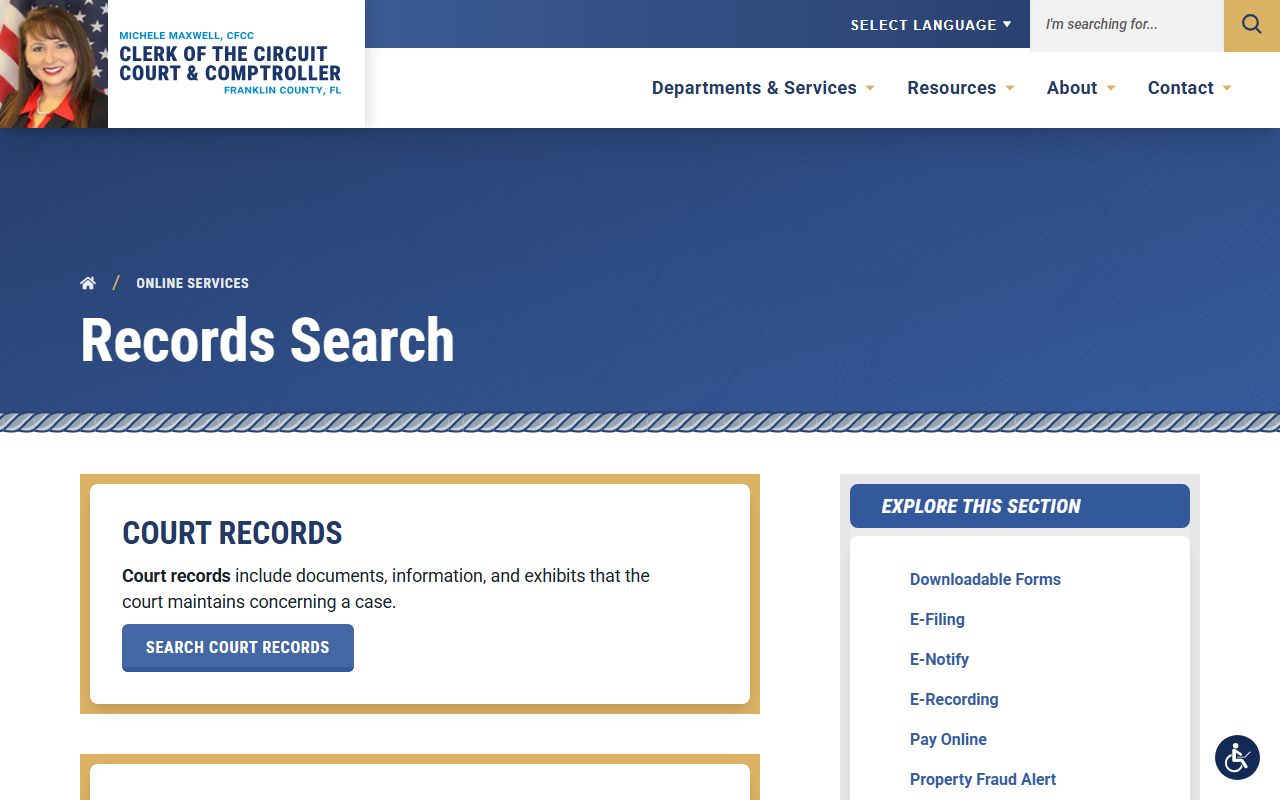
From the clerk landing page, the records-search link routes to the same OCRS court index, so either entry point reaches the case record.
How to Find the Charges Filed After a Franklin County Arrest
Finding the filed charges takes a few clear steps. The court filing date often lags the arrest date, so a date range helps. Start with the name and the arrest date, then work the portal in order.
- Get the person's full name and arrest date from the FCSO arrest log.
- Open the Franklin County OCRS portal and choose Public.
- Read the disclaimer and click "I Agree."
- Use Person Search and enter the last name, plus first name or MI if known.
- Narrow by Date Case Filed, using a range because filing can come after the arrest date.
- Select the criminal court types, such as Felony (CF), Misdemeanor (MM), Criminal Traffic (CT), County Ordinance (CO), Municipal Ordinance (MO), and Traffic Infraction (TR).
- Run the search and match results by name, filing date, and charge type.
- For sealed, confidential, or missing records, contact the Franklin County Clerk.
A court result may list the case number, the parties, the filing date, docket events such as arraignment, the charge counts, bond entries, and the final disposition. Some fields are hidden when court access rules protect them.
The Prosecutor Behind Franklin County Court Records
In Florida the prosecutor is the State Attorney, not a county district attorney. Franklin County sits in the Second Judicial Circuit. The State Attorney is Jack Campbell, who leads the Office of the State Attorney for that circuit. The State Attorney reviews each arrest, then files an information, handles indictment proceedings where used, reduces or amends counts, or files no charges. That filing decision is what shapes the court record after an arrest.
The lead-in link goes to the official State Attorney site for the Second Judicial Circuit, which serves Franklin County. See the Office of the State Attorney, Second Judicial Circuit for the prosecutor's public information and victim services.
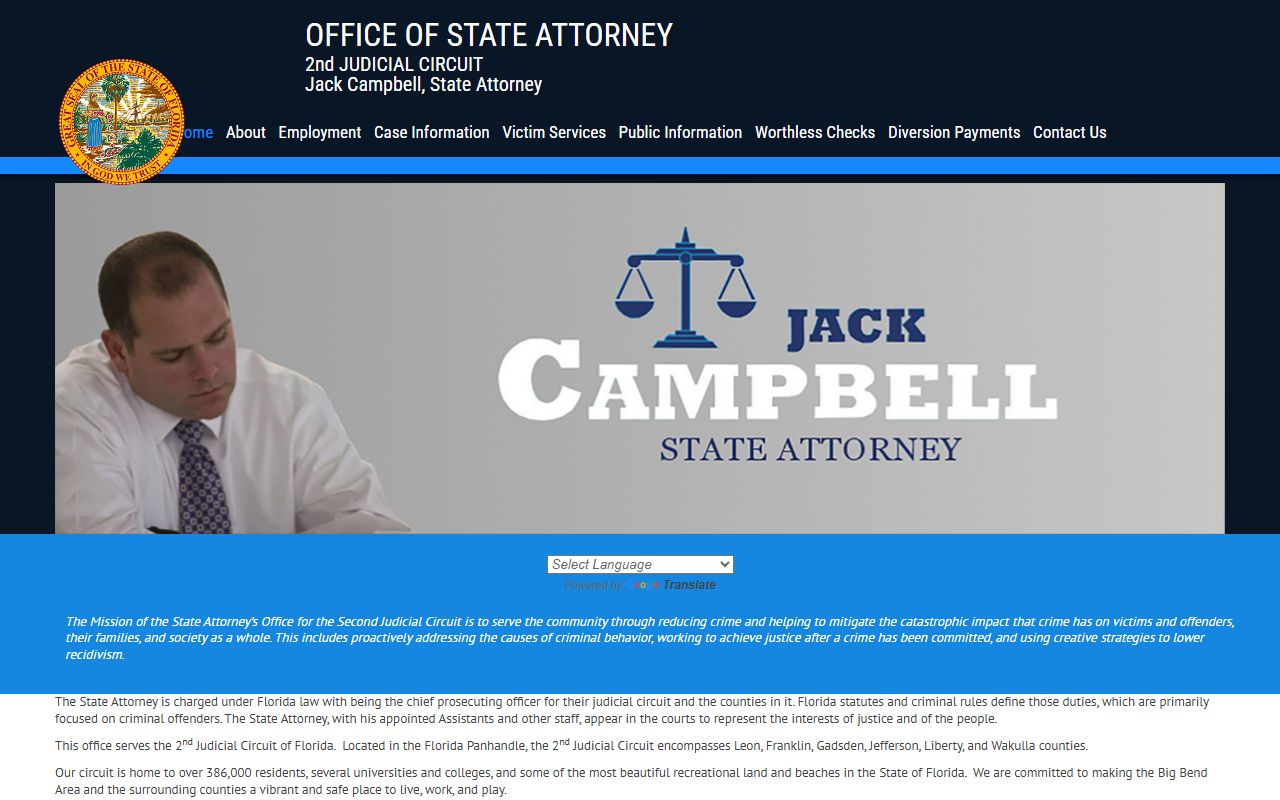
On its own Case Information menu, the State Attorney routes Franklin County lookups to the same OCRS portal, which confirms there is no separate prosecutor docket for the public to search.
The State Attorney site also hosts a victim-services tool tied to first appearance. The lead-in link goes to the Franklin first-appearance victim input form, a victim-services document, not an inmate-search tool. Open the Franklin first-appearance victim input form to see how victim input can enter a case early, around the time bond and release are weighed.
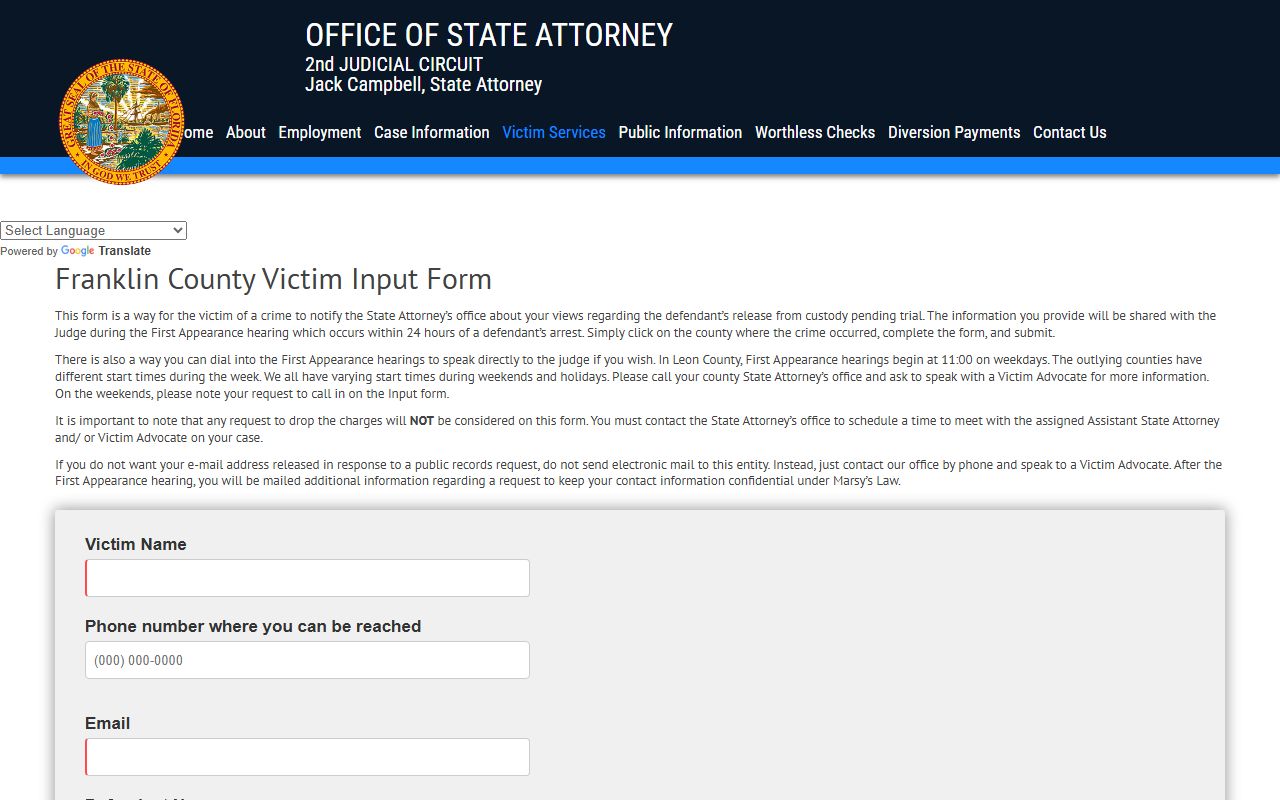
That form lets a victim submit input near the start of a case. It does not look up custody, charges, or court records, so it sits alongside the portal rather than replacing it.
Charge vs Conviction in the Court Record
An arrest and a charge are accusations. A conviction is an outcome. The two should never be read as the same thing. The court record marks where each charge stands, and many charges never end in a conviction.
| Charge | Conviction | |
|---|---|---|
| Stage | Accusation after arrest | Verdict or plea result |
| Proof needed | Probable cause | Beyond a reasonable doubt |
| Can change | Yes, amended or dropped | Final unless appealed |
| Public record | Yes | Yes |
A person can be released from jail while a charge is still pending, and a charge can be dismissed long after the arrest entry first appeared.
Bond Events in Franklin County Court Records
Bond is decided after an arrest, often at first appearance before a judge. The Franklin County arrest log does not show bond. The bond amount, bond status, and any release conditions appear in the court docket once a case is open. Common outcomes include a cash bond, a surety bond through a licensed bail bond agent, release on recognizance or conditions, and a no-bond hold.
A person may also stay in custody even with a bond set. A probation violation, a capias, a hold from another county, a DOC hold, or an immigration detainer can block release. The arrest log shows charges only, so it cannot confirm every hold. For current bond and release questions, the jail and the court docket are the reliable sources, and no online payment method should be assumed from the arrest log.
Note: A capias is a court order for arrest, often issued after a missed court date, and it can appear in the docket as a bench-warrant entry.
Warrants and Capias After an Arrest
No public active-warrant database for Franklin County was located. The sheriff's site does not publish a searchable warrant list. The FCSO 2024 Annual Report counted 138 arrests made on a warrant during the patrol year, but that figure is a statistic, not a database the public can query.
Where warrants do surface is the court docket. After a case exists, the record may show a capias, a bench warrant, a failure-to-appear entry, or a bond forfeiture. To check those, search the case in the OCRS portal. For older files or case-specific status, contact the Franklin County Clerk, since online access is informational only. For anything the court record does not answer, the sheriff's office remains the direct contact.
Sealed vs Expunged Arrest Records
After a dismissal or another eligible result, an arrest record may qualify to be sealed or expunged. Both limit who can see the record, but they are not the same. The process runs through the courts under Florida Statutes § 943.0585, not through a website edit request. The State Attorney's office publishes its own expungement and sealing information for people who want to understand eligibility.
| Sealed | Expunged | |
|---|---|---|
| Visibility | Hidden from the public | Treated as if it never existed |
| Law enforcement | Limited access remains | Very limited access |
| Process | Court order under § 943.0585 | Court order under § 943.0585 |
Read the prosecutor's guidance through the SAO2 Expungement and Sealings information page, and confirm the legal standard in the text of Florida Statutes § 943.0585.
Public Access Rules for Court Records
Different offices hold different records after an arrest. The clerk holds the court docket. The State Attorney holds prosecution records. The sheriff holds the arrest and booking records. Each one is a separate custodian, so a single search will not always return everything.
The OCRS portal is informational and is governed by Florida AOSC 16-107, the order that controls electronic court-record access. Its disclaimer states the record on the site is not an authoritative legal document and has no legal force. The broader right to inspect records comes from Florida Statutes Chapter 119, the public-records law, and the rules for inspection, copying, and fees are set out in Florida Statutes § 119.07. Some material stays confidential, including juvenile information, protected victim details, sealed or expunged records, and matter tied to an open case.
Note: An active prosecution or a requested capias can keep some reports out of public reach until the case is closed.
Court Terms After an Arrest
The court record uses words that do not appear on the arrest log. These short definitions help when reading a Franklin County case after an arrest.
- Information
- The formal charging document the State Attorney files in many cases.
- Complaint
- A sworn or initiating document used at early stages or for lower-level matters.
- Indictment
- A grand-jury charging document used for certain serious offenses.
- Arraignment
- The hearing where the defendant is told the charges and enters a plea.
- Docket
- The chronological list of filings and court events in a case.
- Disposition
- The final outcome of a charge or count.
- Nolle prosequi
- The prosecutor declines to pursue the charge.
- Adjudication withheld
- The court holds back a formal conviction despite a plea or finding.
- Capias
- A court order for arrest, often issued after a failure to appear.
Important: This site is not a consumer reporting agency under the FCRA, and its information may not be used for credit, employment, housing, or insurance decisions.